| Product: Conveyancing Add on | Jurisdiction: Victoria |
|---|
VIC Conveyancing
NEW TEMPLATE
To upload the template to your database follow these steps:
- Save the attached document locally
- Go to the admin menu admin>matter types
- Navigate to Conveyancing - Victoria and select settings button
- Navigate to Document Templates and select manage button

- Select the green Add New Template button in the top right

- Complete the form as per below and hit green save
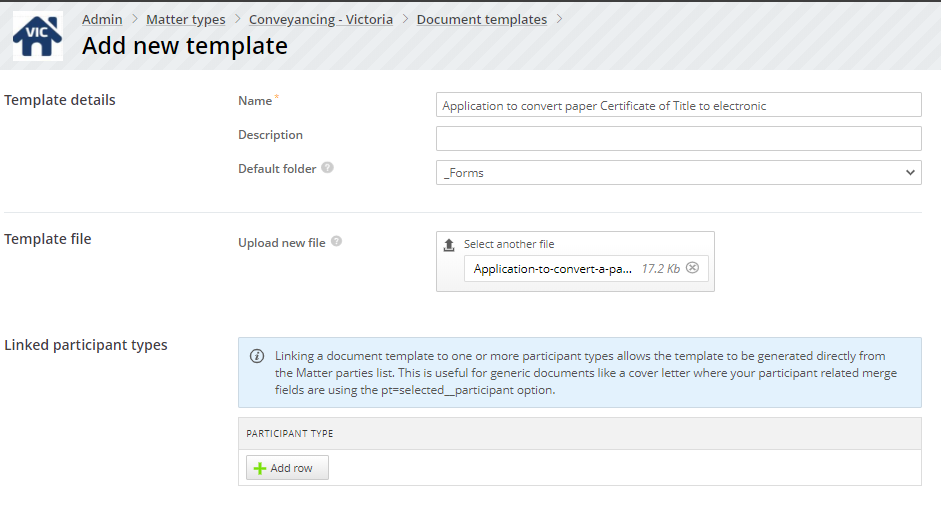


Your template is now ready for use.